How to Deposit at Bitz.io with Crypto 2026
 Available in US
Bitz.io
Wallet-to-casino transfer checks
Bitz.io supports BTC, ETH, USDT, USDC, LTC, TRX, DOGE, SOL, TON, POL, BNB and BCH, plus SATS through Lightning. That breadth gives you several routes into the account, but it also makes one step non-negotiable: the asset and network selected in your wallet must match the deposit route shown in the payment dialog.
Table of Contents
- What you can deposit at Bitz.io
- Known asset and network routes
- A safer deposit sequence
- Stablecoins still require a network decision
- The figure belongs to the welcome offer
- The SATS faucet is separate from a funded deposit
- Bitz.io deposit FAQ
- Bitz.io deposits are flexible when the route is checked first
- Bitz.io Payments, Deposits and Withdrawals 2026
What you can deposit at Bitz.io
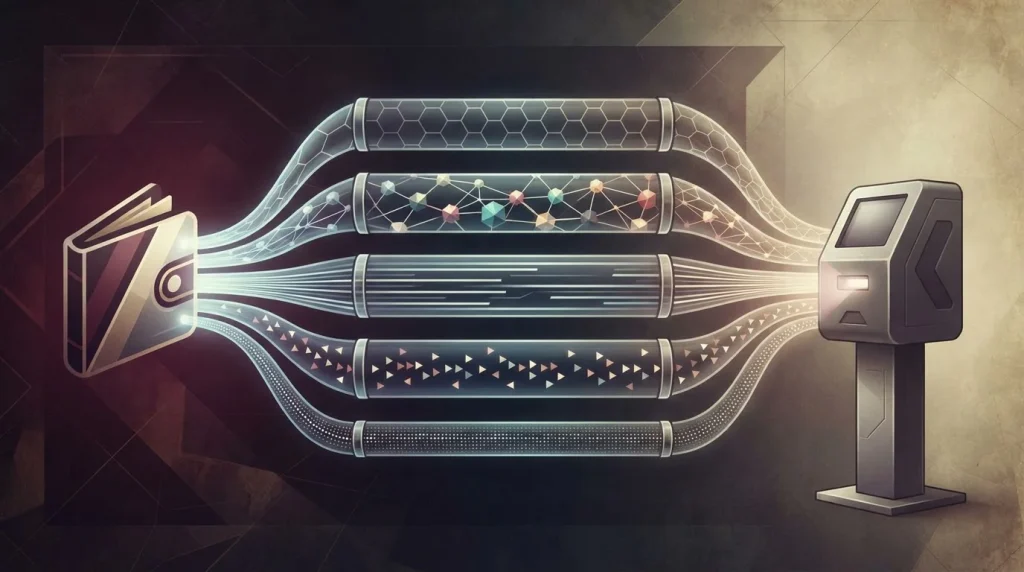
The supported set covers major coins, stablecoins and several multi-chain routes. The practical advantage is choice: you can select an asset already held in your wallet rather than converting into a single mandatory coin. The trade-off is that the same token can exist on more than one network, so the ticker alone is not enough to identify the route.
- Supported assetsBTC, ETH, USDT, USDC, LTC, TRX, DOGE, SOL, TON, POL, BNB, BCH
- Bitcoin alternativeSATS via Lightning
- Stablecoin routesUSDT and USDC on ERC-20 and TRC-20
- Welcome-offer threshold$10 equivalent
The broader Bitz.io payments overview also covers withdrawal timing, minimum cashouts and account-level restrictions. For deposits, the central question is narrower: can your sending wallet use exactly the same network that Bitz.io displays for the selected asset?
One ticker can represent several routes
USDT and USDC are the clearest examples. Bitz.io lists ERC-20 and TRC-20 routes for both, so “send USDT” is incomplete instructions until the network is also chosen.
Bitcoin and Lightning are different payment rails
An on-chain Bitcoin address and a Lightning payment request are not interchangeable. Select the same rail in the sending wallet that the casino presents for that deposit.
The live dialog resolves route-specific details
Where a per-asset deposit minimum or network is not stated here, use the current payment dialog rather than carrying assumptions from another coin or a previous transfer.
Known asset and network routes
The fact set identifies several network mappings directly. The table keeps those mappings separate from details that belong in the live payment flow. A route marked “check dialog” is not an invitation to guess; it means the asset is supported but the exact network was not specified in the supplied brand data.
| Asset | Known route | Deposit check | Useful distinction |
|---|---|---|---|
| BTC | Bitcoin | Match address format before sending | Separate from Lightning |
| SATS | Lightning | Use the Lightning payment flow | Separate from on-chain BTC |
| ETH | Ethereum / ERC-20 | Confirm Ethereum route | Native ETH route |
| USDT | ERC-20 / TRC-20 | Match the selected token network | Same ticker, two listed routes |
| USDC | ERC-20 / TRC-20 | Match the selected token network | Same ticker, two listed routes |
| TRX | TRON / TRC-20 | Confirm TRON route | TRON ecosystem |
| SOL | Solana | Confirm Solana route | Native Solana transfer |
| TON | TON | Confirm TON route | Native TON transfer |
| POL | Polygon | Confirm Polygon route | Polygon transfer |
| BNB | BNB Chain | Confirm BNB Chain route | BNB Chain transfer |
| LTC | Litecoin | Confirm Litecoin route | Native Litecoin transfer |
| BCH | Bitcoin Cash | Confirm Bitcoin Cash route | Not a Bitcoin address |
| DOGE | Check payment dialog | Use the route shown at deposit | Do not infer a network from another asset |
A safer deposit sequence
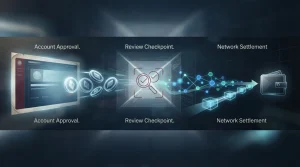
You do not need a complicated checklist, but you do need the checks in the right order. Starting with an amount before confirming the route is backwards: the transfer path determines whether the funds can reach the intended destination at all.
- Select the asset inside Bitz.io. Start in the deposit flow so the casino shows the destination details for the coin you actually intend to send.
- Read the network label separately. For USDT or USDC, distinguish ERC-20 from TRC-20. For Bitcoin, distinguish on-chain BTC from Lightning.
- Choose that same network in your wallet or exchange. Exchanges often place the network selector beside the withdrawal address; do not accept a default without comparing it with the casino route.
- Check the amount shown for that route. The $10-equivalent figure belongs to the welcome-offer qualification, not a universal minimum for every ordinary deposit.
- Review the network fee before confirming. The transfer itself carries the applicable blockchain fee, which is separate from the casino balance you expect to receive.
- Save the transaction identifier. A transaction hash gives you an on-chain reference if the account balance does not update as expected.
If you are moving funds from an exchange, one extra detail matters: the exchange is the sender. Its withdrawal screen determines which networks it can use and what fee it charges for that transfer. Bitz.io can support a route that your exchange does not offer, so both sides need to match before you send.
Stablecoins still require a network decision
Stablecoins can reduce one source of uncertainty during a transfer: short-term price movement against a fiat reference. They do not remove blockchain routing risk. USDT on Ethereum and USDT on TRON are different token routes even though both balances are labelled USDT.
What stays simple
- The asset value is not intended to swing like BTC or ETH during a short transfer window.
- Bitz.io lists both ERC-20 and TRC-20 routes for USDT and USDC.
- The same asset can therefore be moved through more than one supported network.
What still needs checking
- The sending network must match the receiving route.
- The live deposit address belongs to the selected network, not merely the token ticker.
- The network fee can differ from the amount you intend to credit.
Imagine you hold USDT on TRON but accidentally select an Ethereum deposit route at the casino. The balance label “USDT” matches, but the network does not. That mismatch is why a stablecoin deposit should be read as a pair — token plus network — rather than as a token alone.
The $10 figure belongs to the welcome offer
Bitz.io’s welcome offer uses a $10-equivalent qualifying deposit threshold. That number is relevant only when you intend to enter the offer. It should not be treated as the general minimum for every deposit route, because the supplied sources do not support one universal ordinary-deposit figure.
- Welcome-offer threshold
- $10 equivalent.
- Welcome match
- 100% of the first qualifying deposit, up to 3,000 USDT.
- Wagering requirement
- 50× the bonus amount within 7 days, using slots in the “Bonus Wagering” group.
- Deposit transfer cost
- The applicable blockchain network fee.
If your only goal is to fund the account, check the live deposit dialog and ignore bonus arithmetic. If you intend to use the offer, read the full Bitz.io bonus terms and wagering mechanics before sending, because a technically successful deposit and a suitable bonus deposit are not the same decision.
The SATS faucet is separate from a funded deposit
Bitz.io also lists a free-SATS faucet and describes it as requiring no deposit and carrying no wagering requirement. Treat that as a separate site feature rather than as a deposit method or a substitute for checking funded-transfer rules.
The distinction matters because the two flows create different records. A funded deposit begins with an external wallet transaction and produces a blockchain reference. A faucet credit originates inside the site experience instead. If you later want to trace where account funds came from, keeping those two sources conceptually separate makes the account history easier to understand.
For cashing out, the operational questions also change. Minimum withdrawal amounts, review timing, the deposit-wagering fee rule and monthly caps are covered in the dedicated Bitz.io withdrawal guide.
Bitz.io deposit FAQ
Which cryptocurrencies can I deposit at Bitz.io?
Bitz.io supports BTC, ETH, USDT, USDC, LTC, TRX, DOGE, SOL, TON, POL, BNB and BCH, plus SATS through Lightning.
Which networks can I use for USDT and USDC?
The listed routes include ERC-20 and TRC-20 for both USDT and USDC. Select the same network in the sending wallet or exchange that Bitz.io shows in the deposit flow.
Is the Bitz.io minimum deposit $10?
The $10-equivalent figure is the qualifying threshold for the welcome offer. For an ordinary deposit, check the live payment dialog for the selected asset and network rather than treating that offer threshold as a site-wide minimum.
Does Bitz.io charge deposit fees?
Crypto deposits carry the applicable blockchain network fee. Check the sending wallet or exchange before confirming because that transfer cost is separate from the amount intended for the casino balance.
What should I check before sending a crypto deposit?
Match the asset, network and destination shown by Bitz.io with the sending wallet, review the live amount and network fee, and keep the transaction hash after sending.
Bitz.io deposits are flexible when the route is checked first
The useful feature is the range of supported assets and networks, especially the choice between ERC-20 and TRC-20 for USDT and USDC and the separate Bitcoin and Lightning routes. The main risk is operational rather than obscure: a crypto transfer is generally irreversible, so the asset, network and destination have to match before confirmation. Keep the $10 figure in its proper context as the welcome-offer threshold, review the network fee in the sending wallet, and use the live deposit dialog for route-specific details that are not fixed here.